WordPress
-
Where is my content?
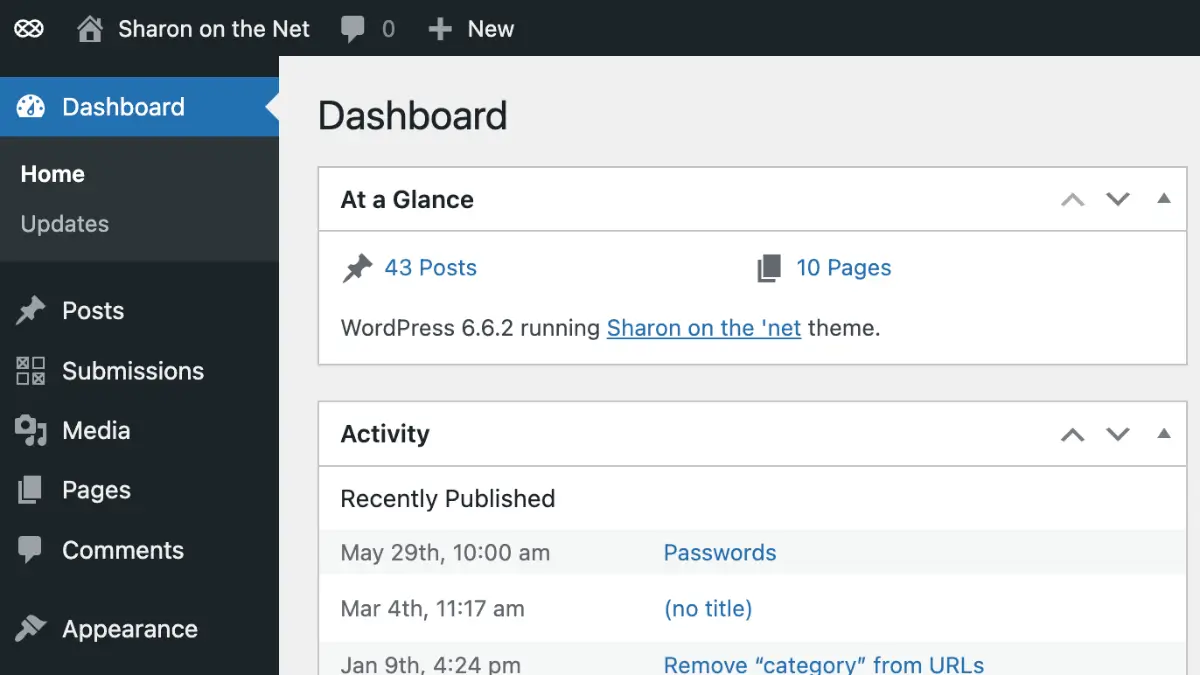
All content is accessible from the Dashboard. To get to the Dashboard: If for some reason you do not see your Dashboard, you can access it from the front page using the admin bar at the top (this is only visible when logged in). Hover over the name of your web site, found on the [read more]
-
What’s my password?
Your password was sent to you upon creation of the web site. For security purposes, I do not keep passwords for accounts. So, in this instance, you’ll need to reset your password. 1. On the login page, you will see Lost your password? right underneath the username and password fields. 2. Click on this link, [read more]
-
How do I login to my site?
The easiest way to get to your site it so add /login to the end of your domain. Example: If your domain is google.com, then your login link will be google.com/login. You’ll see this screen: NOTE: if for some reason that link does not work, add /wp-login.php to the end of your domain instead of /login. If your domain [read more]
-
Add Content on Plugin Activation

Just had a request for automagically creating content when you activate a theme. Here’s how to do it with a PLUGIN as well! [read more]
-
Add content on Theme Activation!
Here’s a really cool code snippet for automagically creating content when you activate a theme! [read more]
-
Set a Dashboard Logo
This snippet of code will allow you to customize your WordPress dashboard logo. [read more]