The WordPress Editor uses blocks to transform the way you create content: it turns a single document into a collection of components for adding content.
With blocks, you can quickly add and customize multiple media and visual elements that used to require shortcodes, custom HTML code, and embeds. Blocks make it easier to create media-rich layouts on your Pages and Posts.
How to Edit Content:
When making edits, first verify that you are logged in. if you are, you will see a black admin bar across the top of your page. It will look something like this:
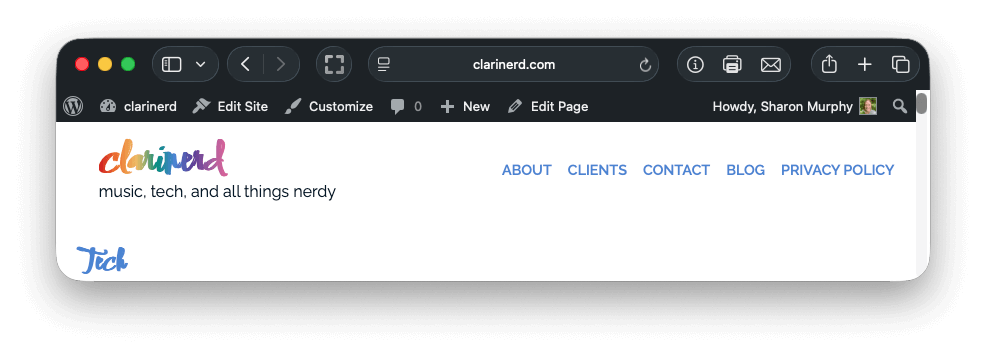
Next, navigate to the page or post you want to make changes to. If it’s a page, the admin bar will show an option, “Edit Page.” If it’s a post, the wording will say “Edit Post.” Click on that to be taken to the editor.
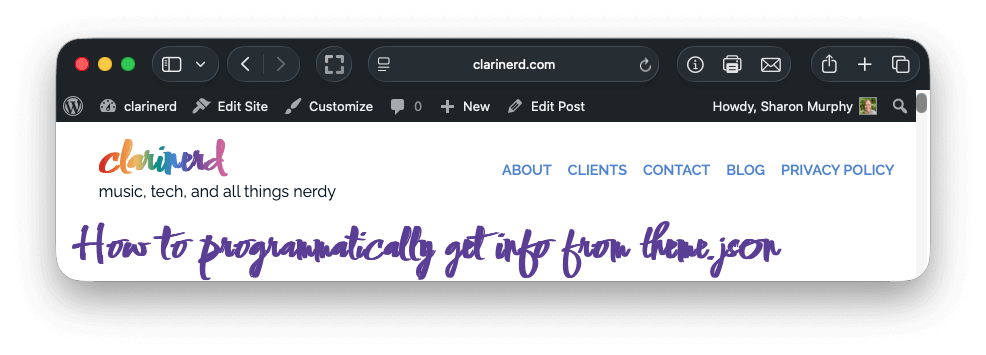
Your window will now look something like this:
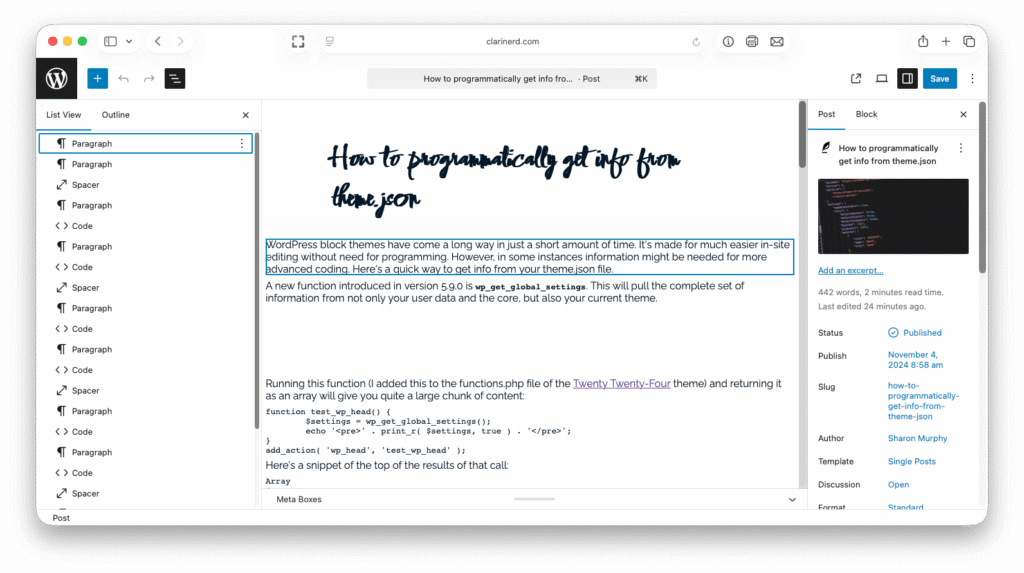
There are extra sidebars, one on the left and one on the right, that may or may not show in your view. To show/hide them, click the black highlighted buttons on either side (shown in the screenshot above).
Make any edits you wish within the middle window, called the Editor block. When finished, be sure to click the blue “Save” button found at the top right of the screen.
An excellent tutorial complete with video has been written up by the founders of WordPress and is found here: