Tech
-
Homebrew and WordPress Command Line Interface
Shortcuts for installing via WP-CLI. I have a Sites directory in my users directory where I create my tests. Replace items in all caps with proper values: [read more]
-
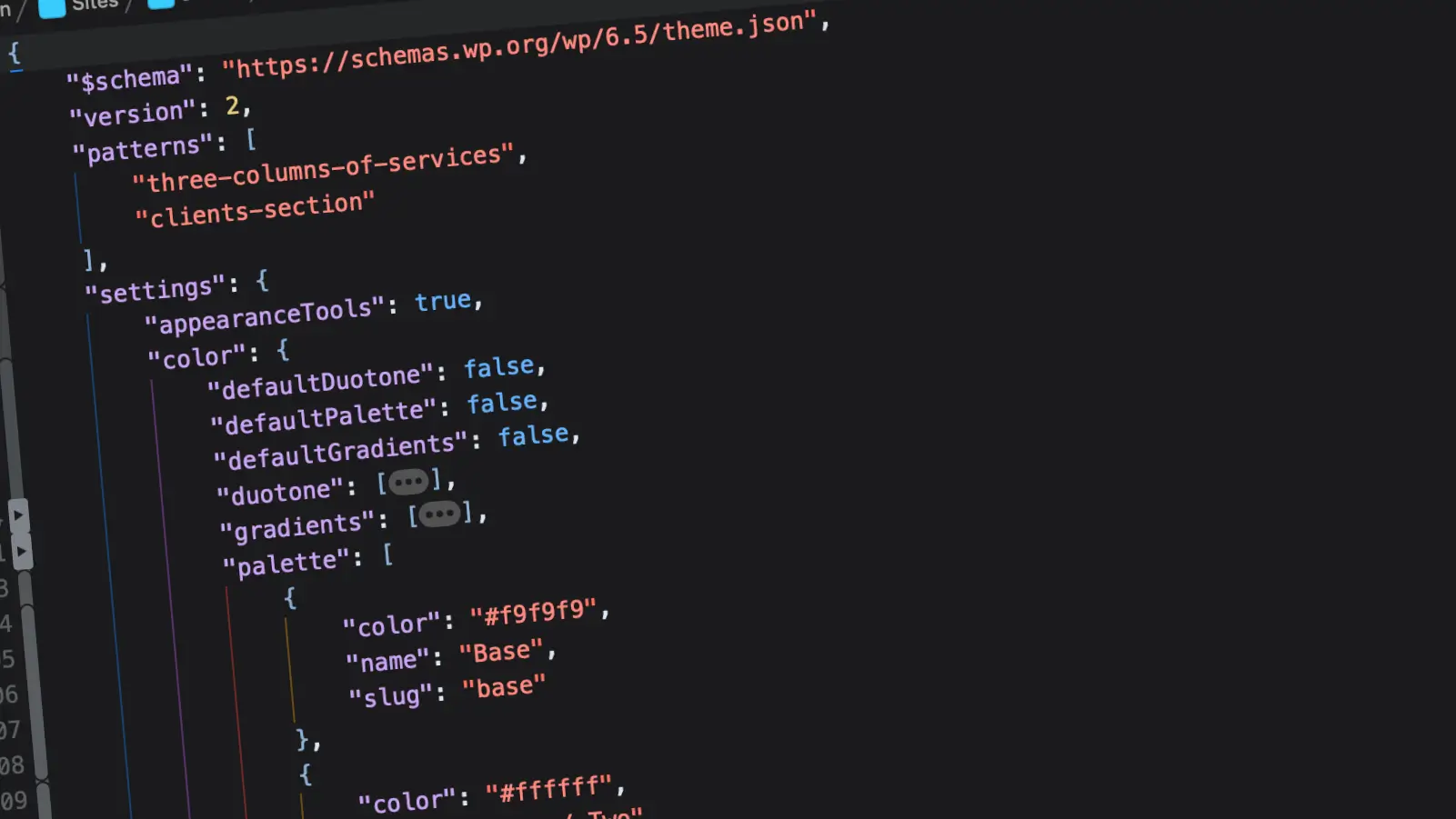
How to programmatically get info from theme.json
WordPress block themes have come a long way in just a short amount of time. It’s made for much easier in-site editing without need for programming. However, in some instances information might be needed for more advanced coding. Here’s a quick way to get info from your theme.json file. A new function introduced in version 5.9.0 is wp_get_global_settings. This will pull the complete set of information from not only your user data and the core, but also your current theme. Running this function (I added this to the functions.php file of the Twenty Twenty-Four theme) and returning it as an… [read more]
-
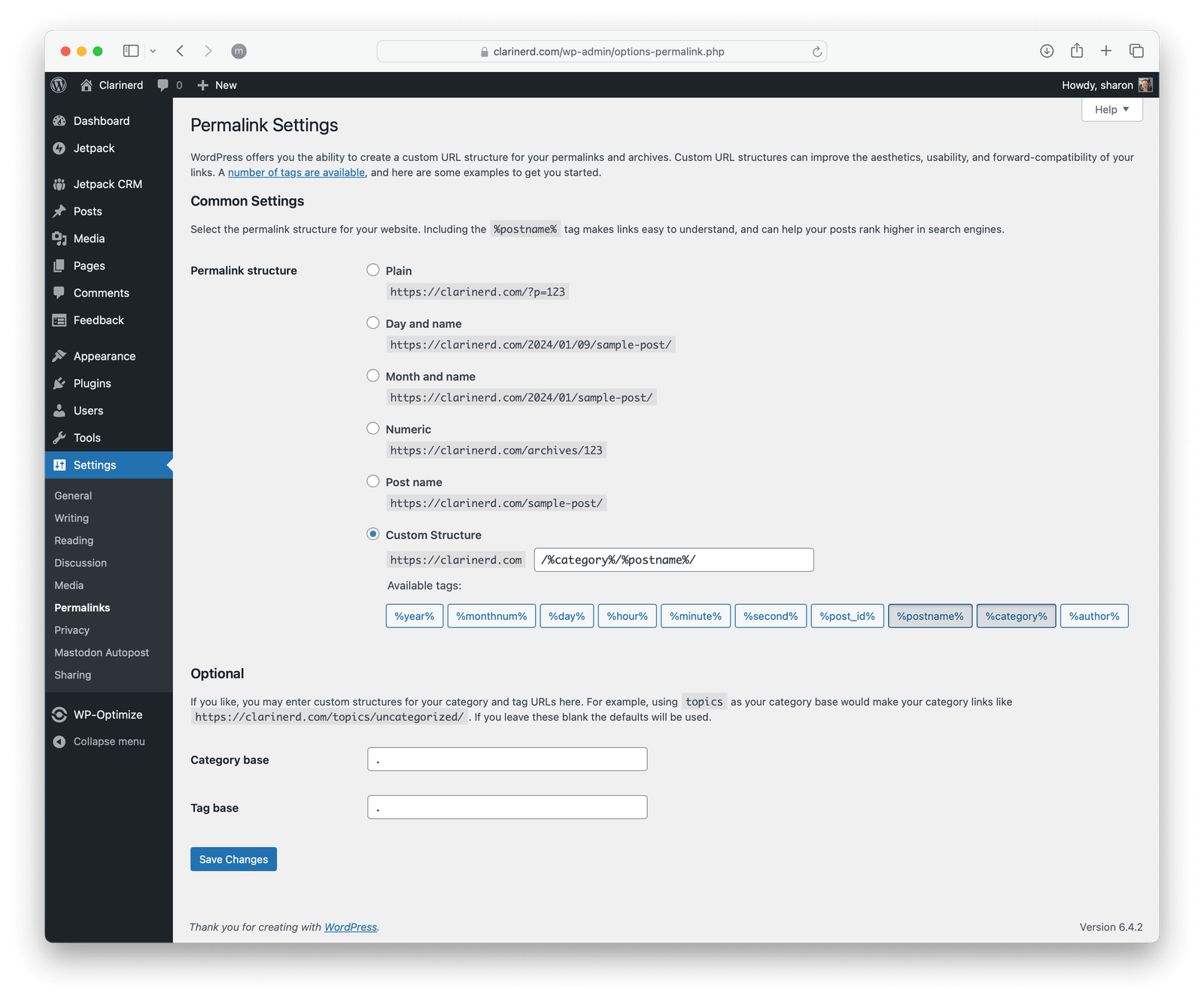
Remove “category” from URLs
WordPress, by default, adds the word “category” into your category links, and the word “tag” into your tag links. The workaround used to be to add a period into the base settings of each one (seen in the screenshot above). If you make these changes, the first page of your category will work, but the second page will cause errors. To properly set this up, I’ve included code below to make this customization. In your theme’s functions.php file, copy and paste all this code (rename “sharon” to whatever you wish to make it your own): [read more]
-

Homebrew and ImageMagick
This post goes into the details of setting up ImageMagick with Homebrew for use with a WordPress install. [read more]